Local-first storage
What SheetCue keeps on your device
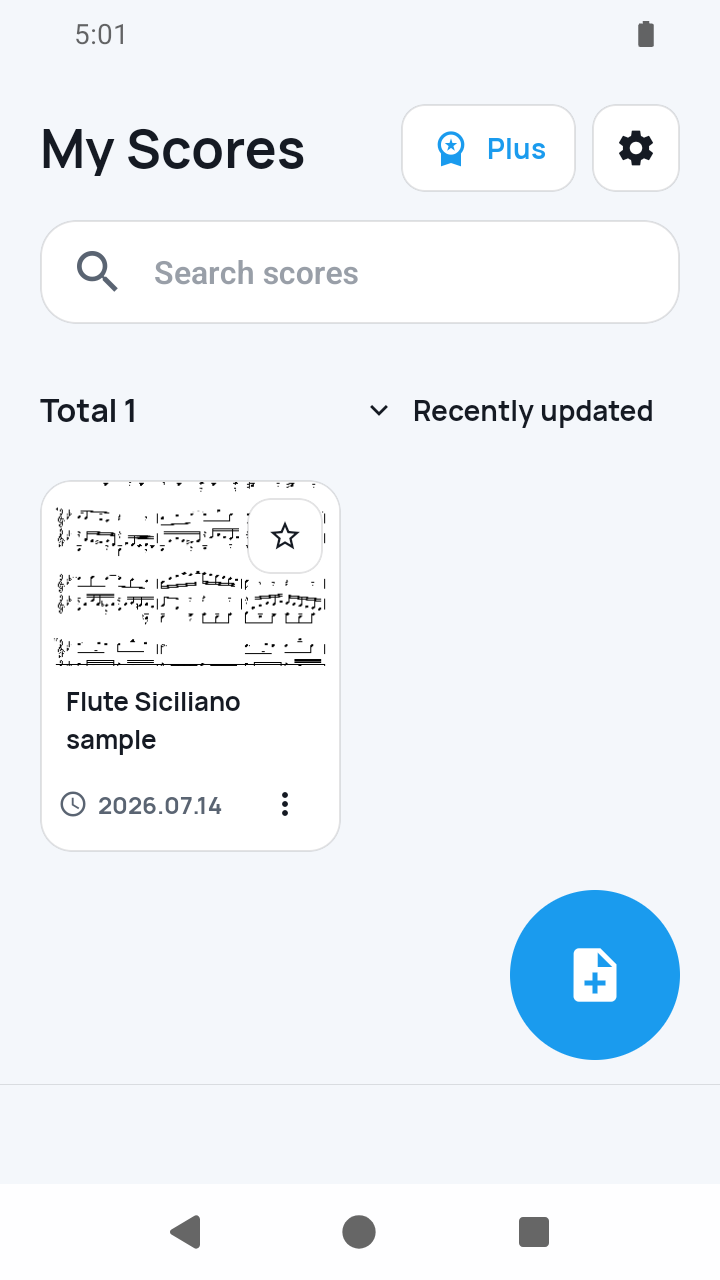
The score PDF and its setup data stay in app storage. Page images and measure crops are rebuildable cache files, not a second permanent copy of the score.
The short answer
SheetCue copies a selected PDF into its on-device score library. For image import, the selected images are temporary and SheetCue stores the PDF it creates from them. Preset details such as measure boxes, timing, and playback order are saved locally, while rendered pages and measure crops can be regenerated from the PDF. There is no SheetCue account, score sync, or automatic full-library backup.
 Open full-size image
How it works
Bring a PDF into app storage
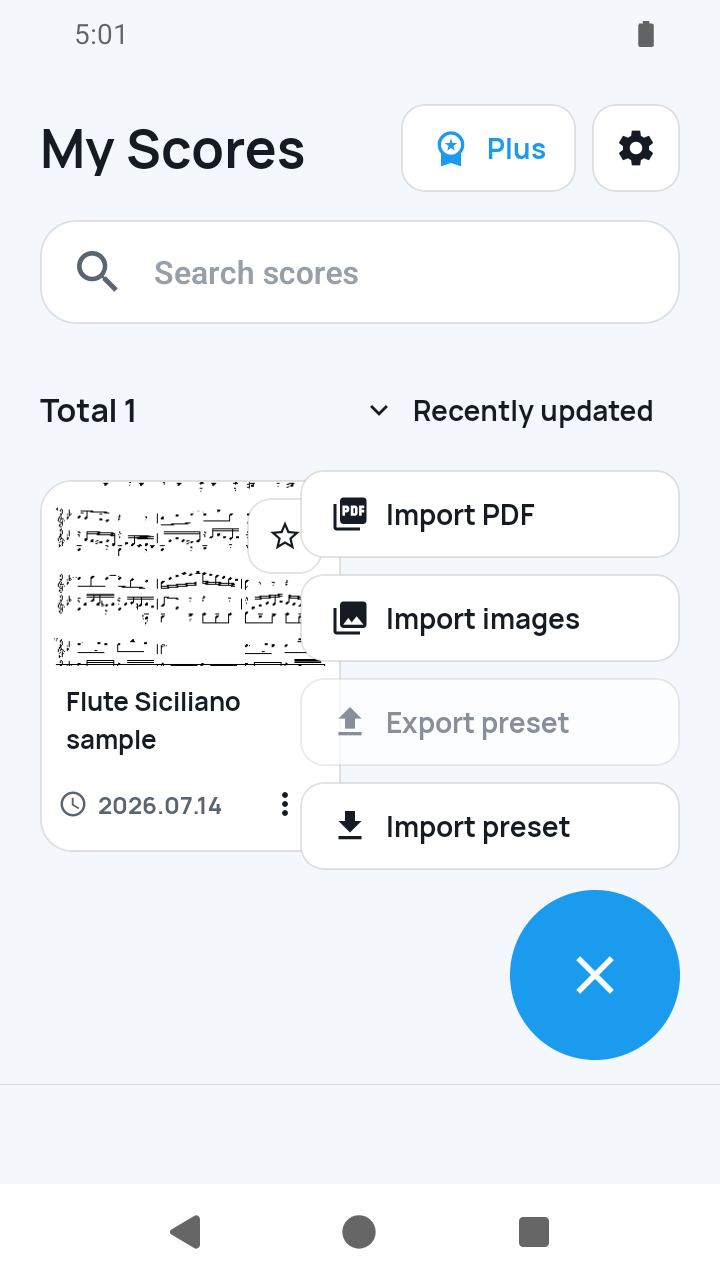
A selected PDF is copied into SheetCue's private score library. With image import, SheetCue temporarily reads the ordered JPEG or PNG files and saves the PDF generated from them.
 Open full-size image
Save the setup, not duplicate image files
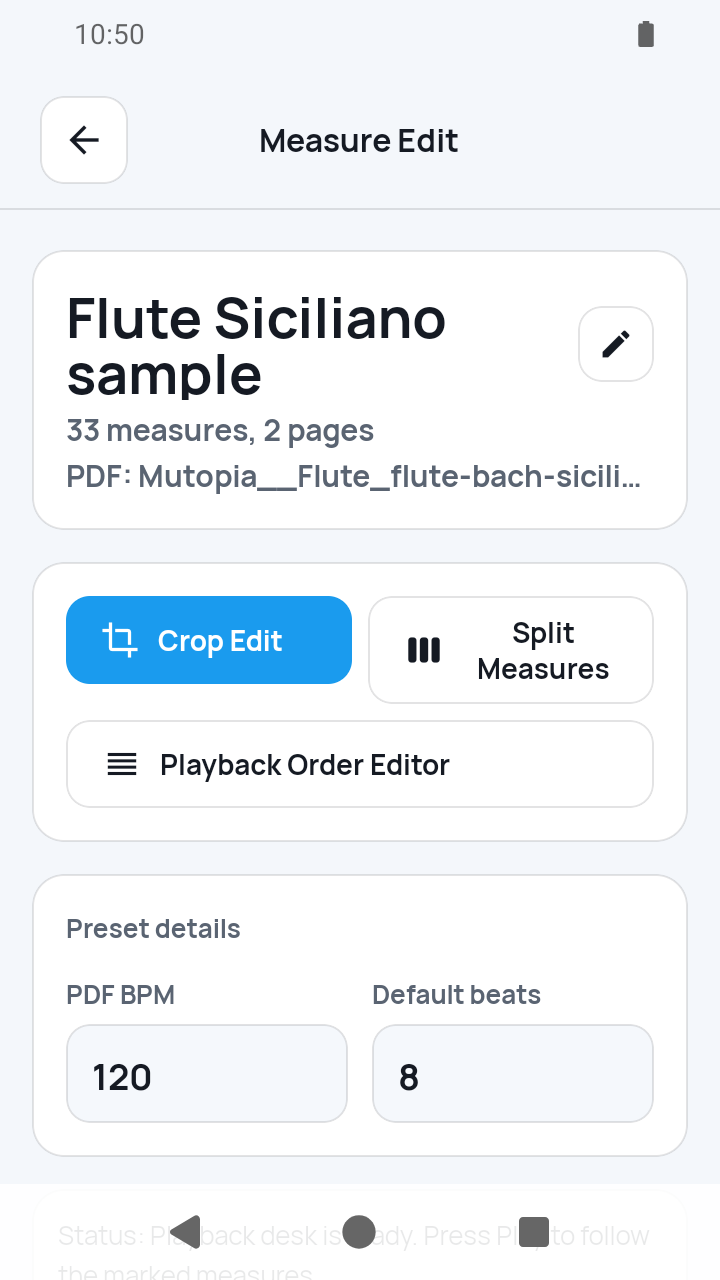
Completing setup saves the preset title, measure boxes, timing, and playback order. Rendered page images and measure crops remain derived cache files.
 Open full-size image
Let missing cache files rebuild
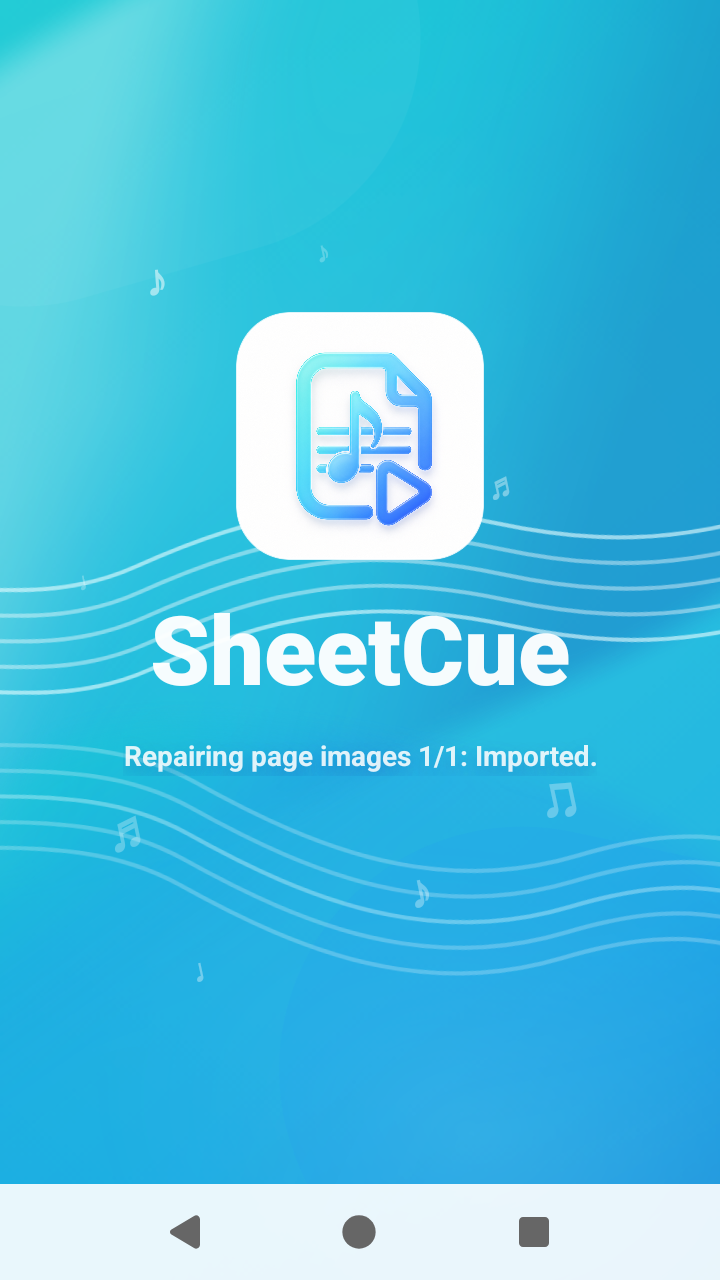
If a cached page or crop is no longer available, SheetCue uses the stored PDF and measure geometry to recreate the practice images when the library loads.
 Open full-size image
Create a separate copy when needed
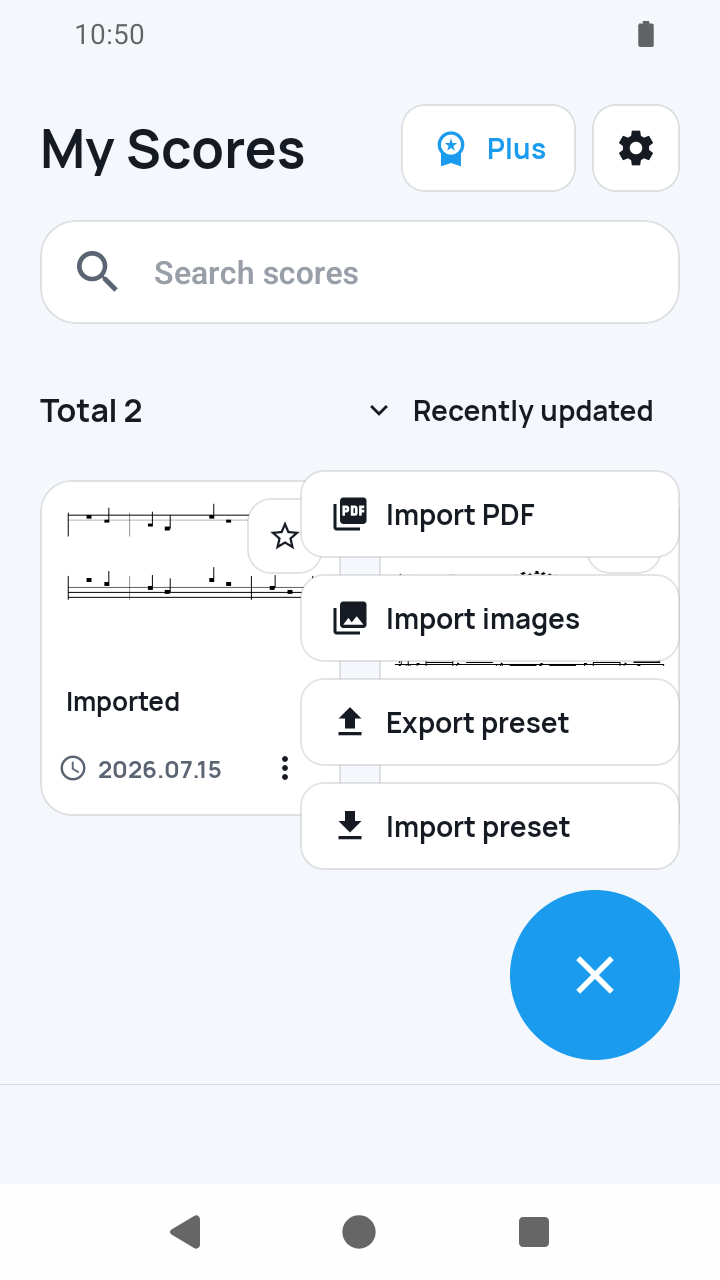
In My Scores, open the ⋮ actions on one user preset and choose Export preset. Save the resulting .sheetcue file somewhere you control instead of relying on an automatic library backup.
 Open full-size image
What to know
Stored and rebuildable data are different
The app keeps the score PDF and preset metadata as the durable inputs. Page renders and measure crops live in cache and are recreated from those inputs when possible.
Local-first is not account sync
Through version 1.8.1, SheetCue has no login, remote score vault, collaboration, or full-library restore. Ads, consent, subscriptions, approved analytics, and error reporting can still use network services under the privacy policy.
Current limits
- Android app backup is still disabled in version 1.8.1, so make explicit .sheetcue copies of presets you need to keep.
- There is no full-library export, automatic cross-device sync, or SheetCue cloud restore; export handles one user preset at a time.
- Removing a preset from the library is not documented as secure erasure of every copied or cached file; app-container cleanup follows the platform.
Related guides
Turn your score into a measure-by-measure practice flow.
SheetCue is free to download on iOS, iPadOS, and Android. Start with a 14-day SheetCue Plus free trial if eligible, as shown in the App Store or Google Play.