Preset transfer
Export and import one SheetCue preset
A .sheetcue file carries one score PDF and its setup data without using a SheetCue account or synchronized cloud library.
The short answer
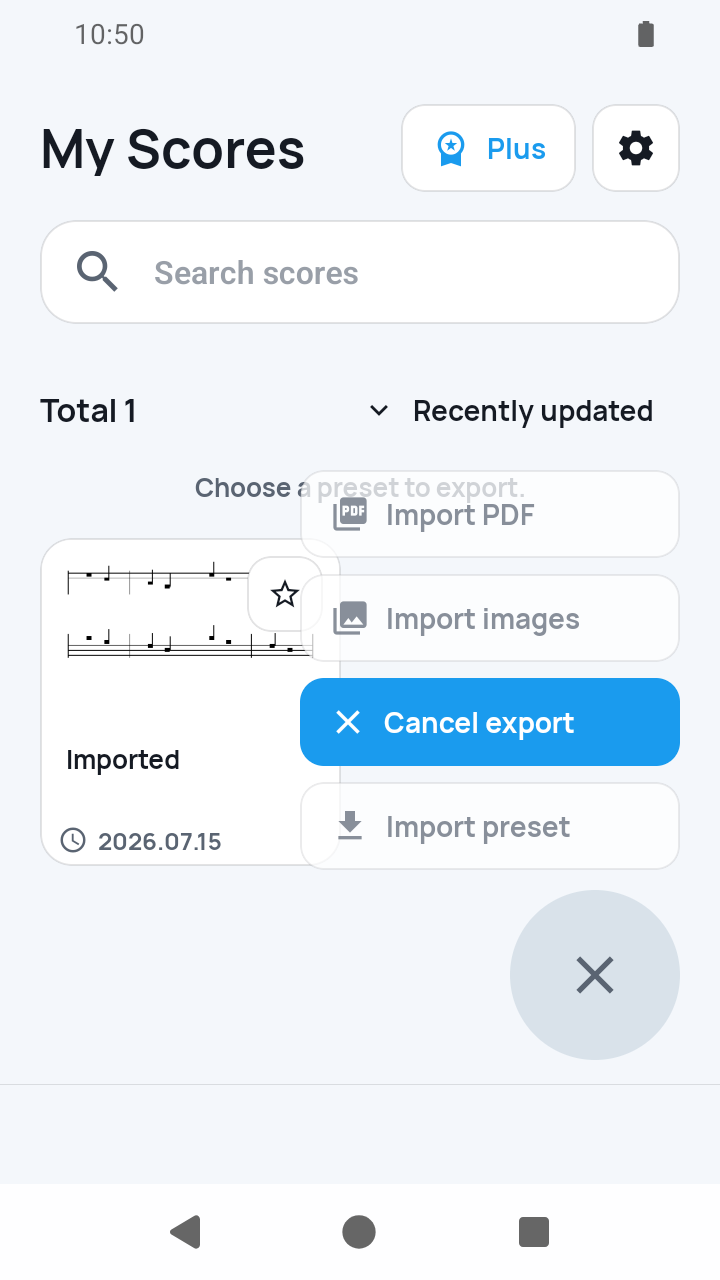
In My Scores, open the ⋮ actions on the user preset you want and choose Export preset, then choose a destination in the system save interface. On the other device, tap Add score and choose SheetCue file. Compatible data is checked, a duplicate title receives a number, and page images and measure crops are rebuilt locally.
 Open full-size image
How it works
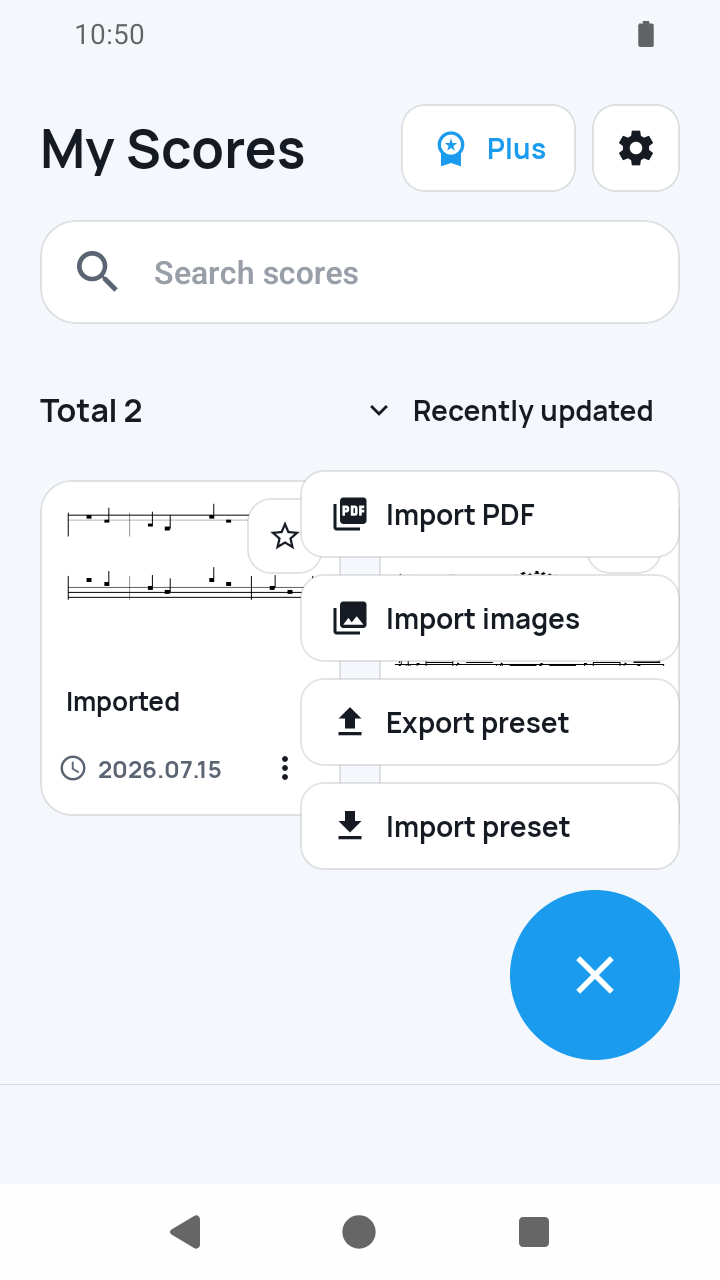
Choose Export preset from the score actions
In My Scores, open the ⋮ actions on one user-created preset and choose Export preset. Version 1.8.1 no longer switches the list into a separate export mode.
 Open full-size image
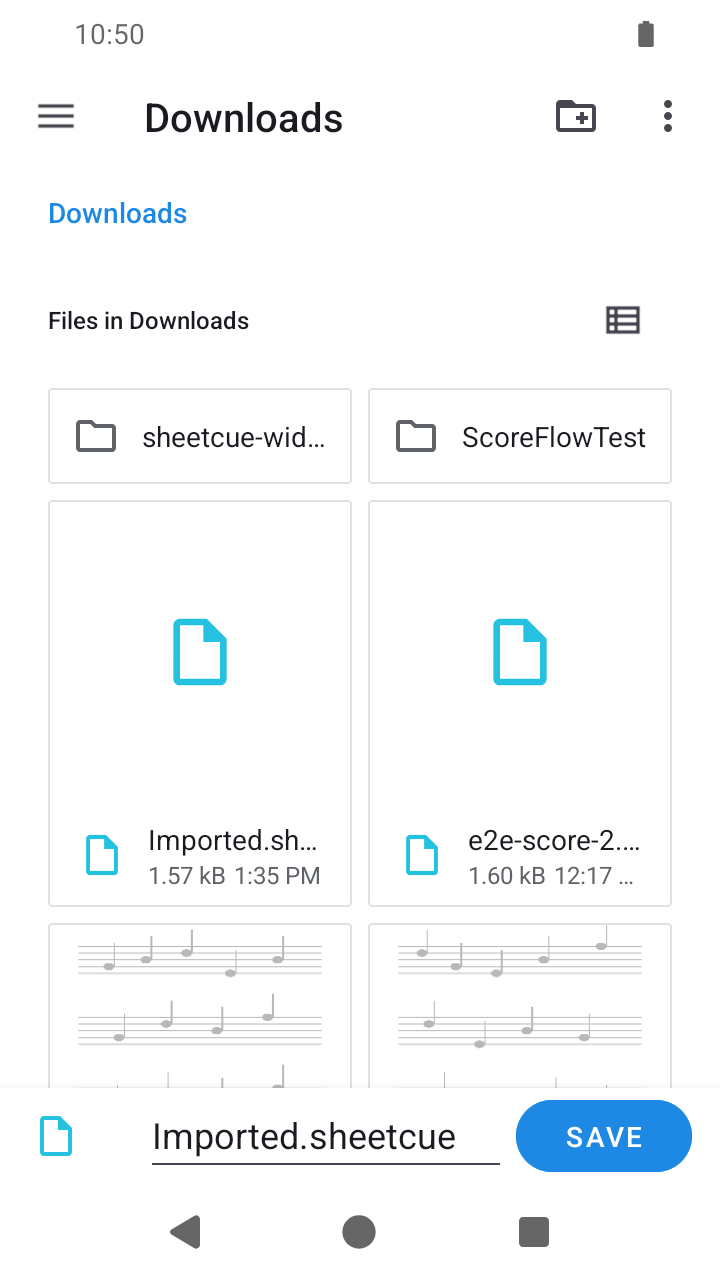
Save the .sheetcue file safely
Choose a destination in the system save interface. The file is an unencrypted ZIP archive containing manifest.json, preset.json, and score.pdf, so protect it like the score itself.
 Open full-size image
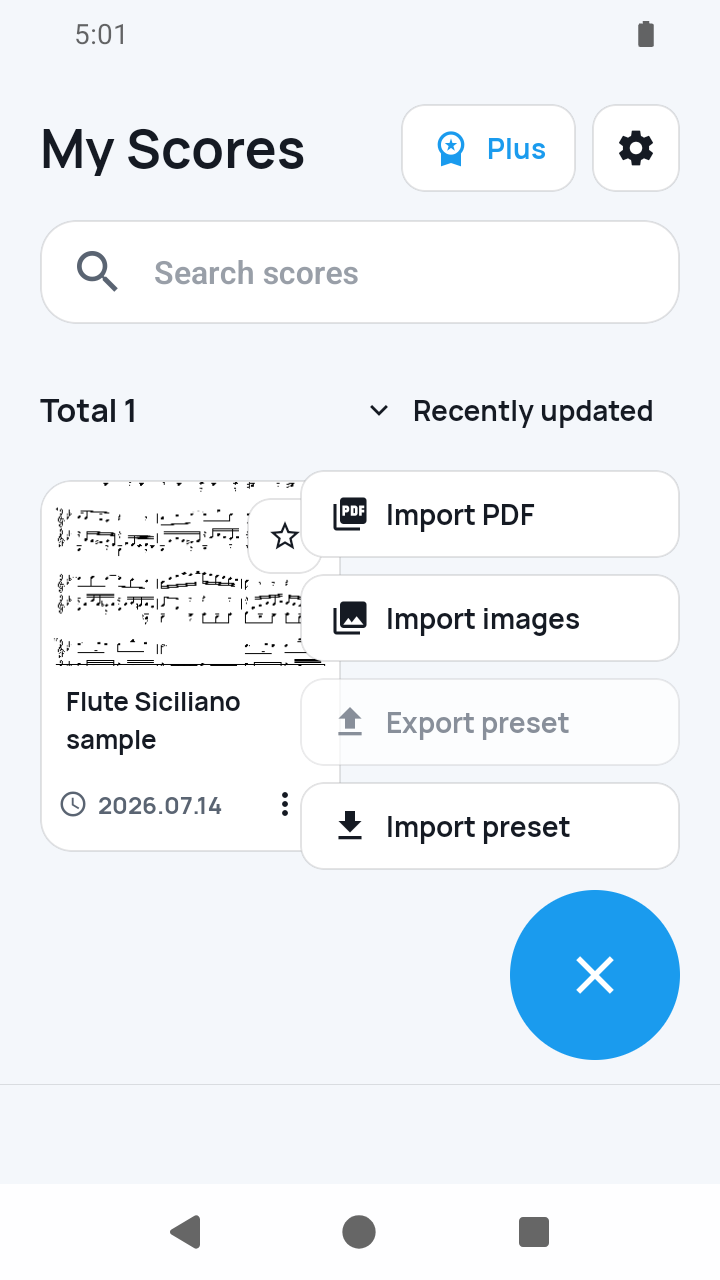
Import with Add score on the destination device
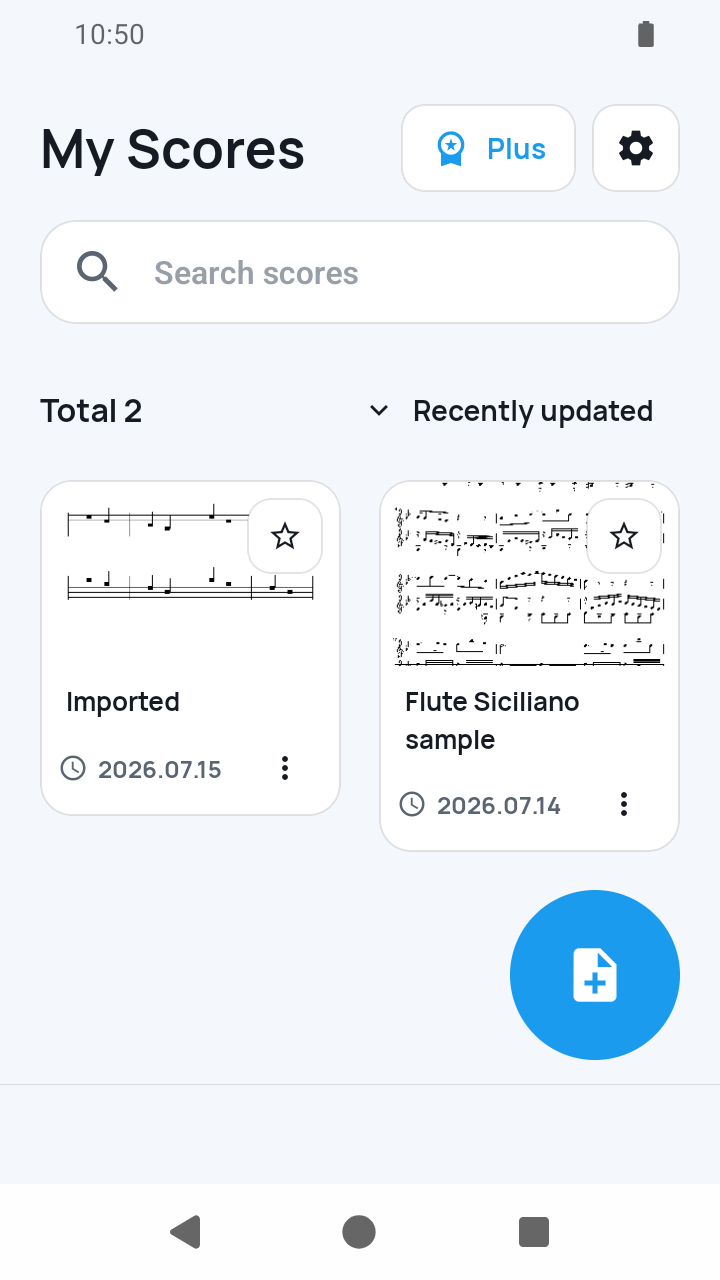
In My Scores, tap Add score, choose SheetCue file, and select the .sheetcue file.
 Open full-size image
Wait for derived images to rebuild
SheetCue checks the supported structure and settings, confirms the PDF page count, then renders pages and recreates measure crops. A preset exported after completing Playback Setup returns ready to practice; one exported before setup was complete keeps its Playback setup needed state. Verify boxes, timing, and Playback order before rehearsal.
 Open full-size image
What to know
The archive contains inputs, not generated images
manifest.json identifies the bundle, preset.json holds the preset settings, and score.pdf is the stored score PDF. Device-specific paths, rendered pages, and measure crops are left out and rebuilt after import.
Validation is compatibility checking, not encryption
Unsupported structure, out-of-range preset data, oversized entries, and a PDF page-count mismatch can be rejected. The archive is not encrypted or signed, and later edits on either device do not synchronize.
Current limits
- There is no full-library export, SheetCue cloud backup, or automatic sync; transfer is initiated manually for each user preset.
- System save locations can include third-party or cloud providers chosen by the user. Keep the unencrypted export private and follow the score's license.
Related guides
Turn your score into a measure-by-measure practice flow.
SheetCue is free to download on iOS, iPadOS, and Android. Start with a 14-day SheetCue Plus free trial if eligible, as shown in the App Store or Google Play.