Choose the problem you want to solve
A clearer way to practice sheet music on a small screen.
SheetCue is built around the part of a score you can actually read on a phone: the current measure. Start with the question that brought you here, then follow the real app workflow.
Screens from SheetCue 1.14.0
Each page explains one distinct use case with real SheetCue screens, exact limitations and a direct path to the matching setup guide.
Before band rehearsal
Learn the new song. Bring your phone to rehearsal.
Practice a new song slowly with your own score, loop the hard passages, then take the same phone to band rehearsal.
Explore band rehearsal practice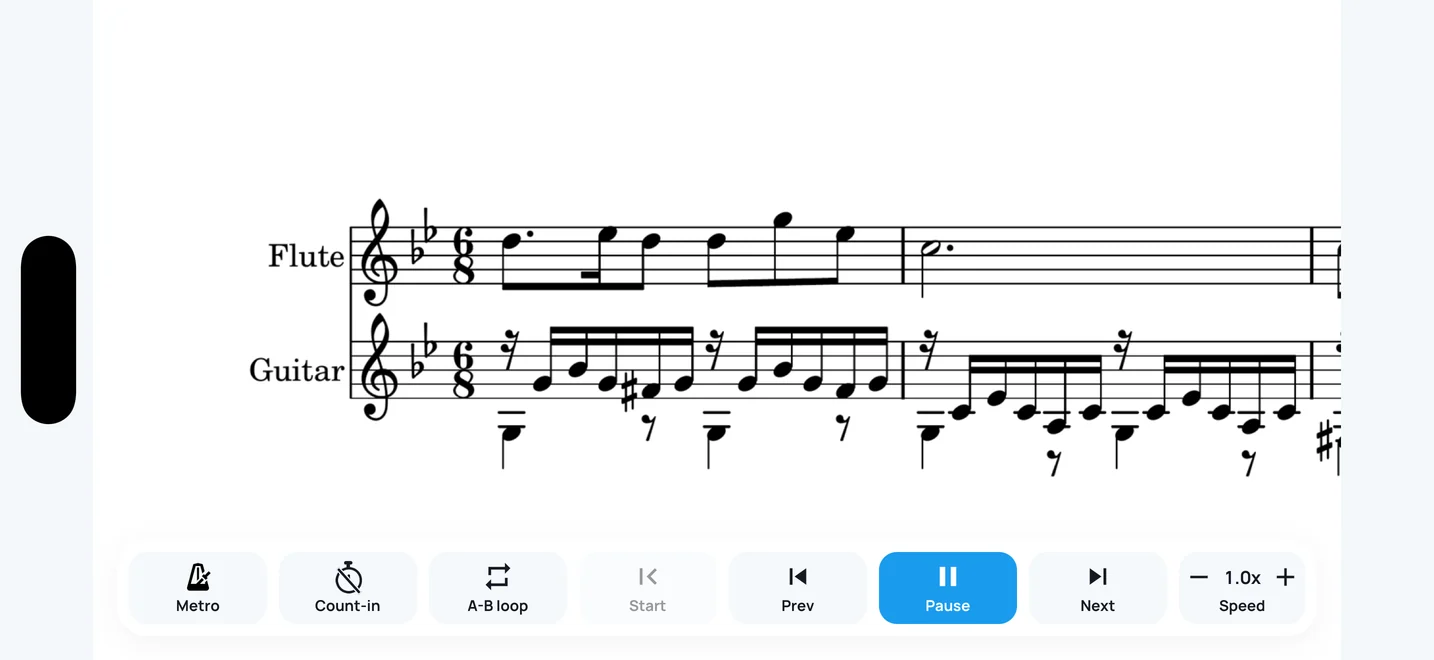
Phone
Sheet music on the phone you already carry
See why a measure-first view works on a small screen when a full PDF page does not.
Explore phone practiceWhat SheetCue keeps on your device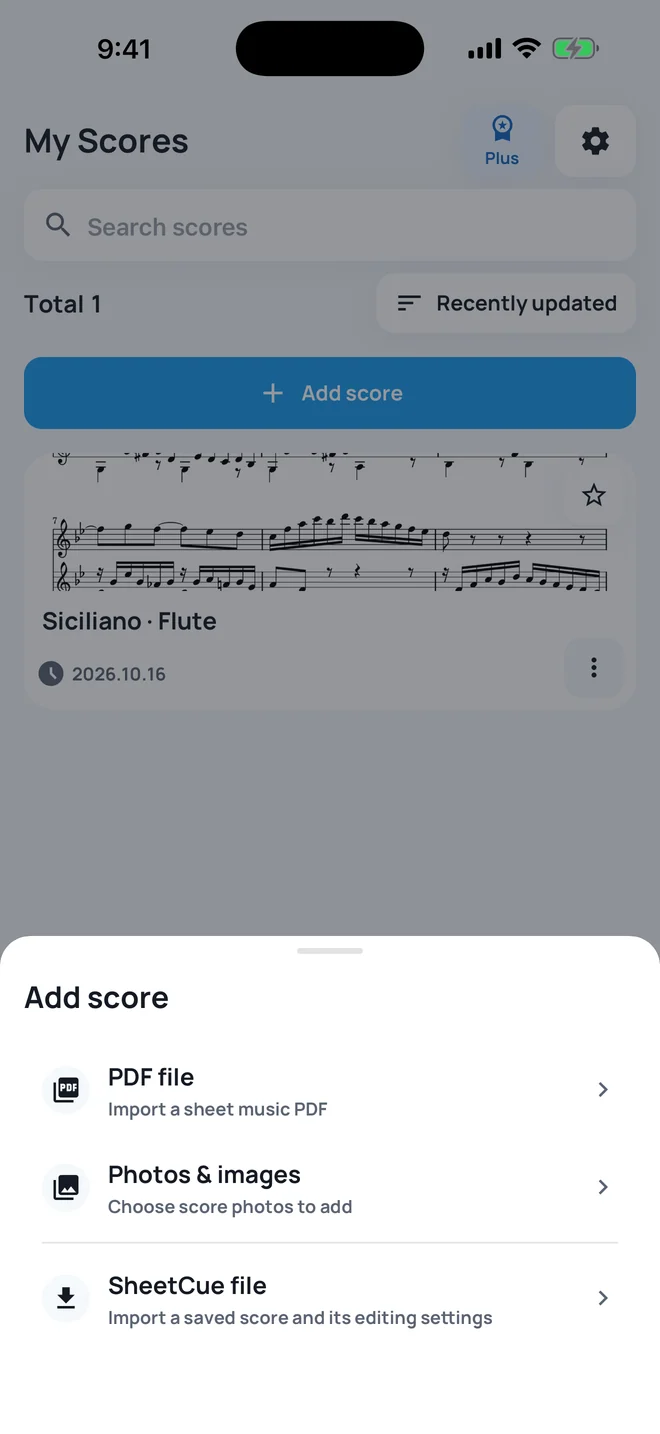
PDF reader
Bring your own PDF or score photos
On-device detection prepares the measures for playback.
Explore PDF readingHow to practice a PDF score measure by measure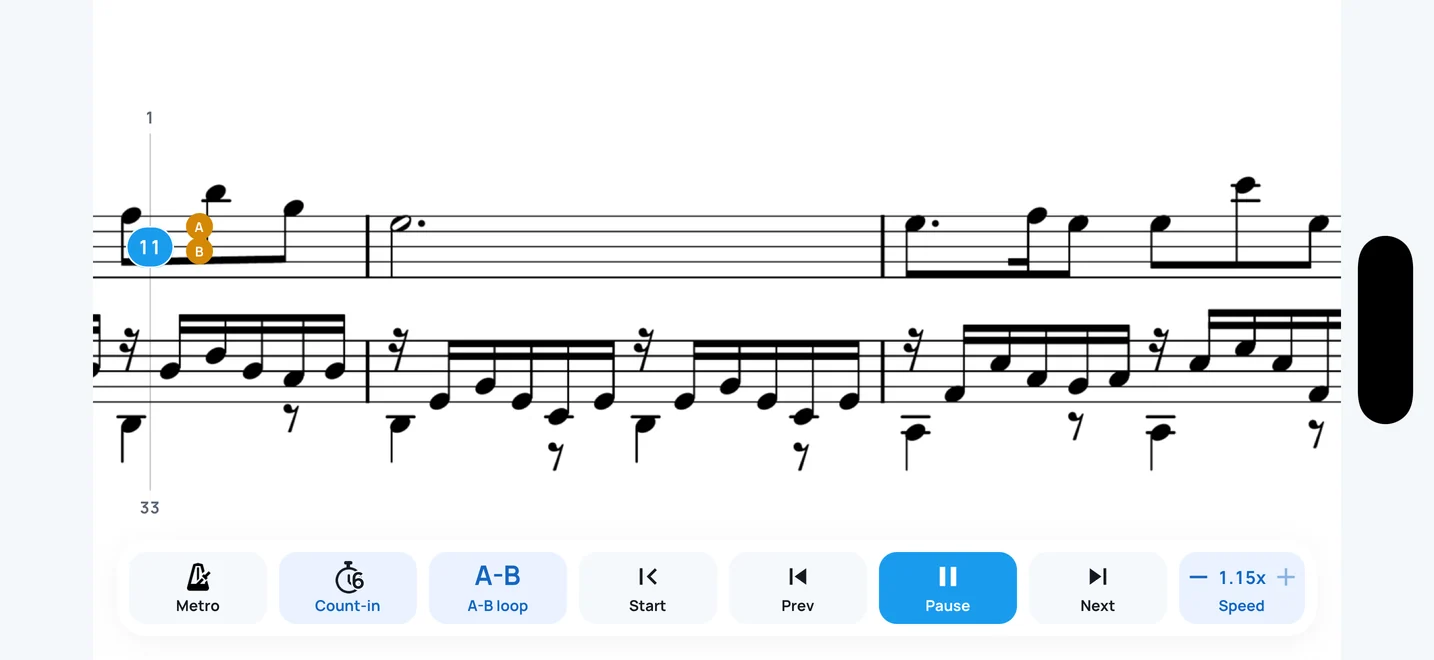
Practice
Repeat hard passages with A-B and speed controls
Play first, then use A-B loops or playback rate to work on difficult passages.
Explore practice toolsSet the practice order for repeats and page returns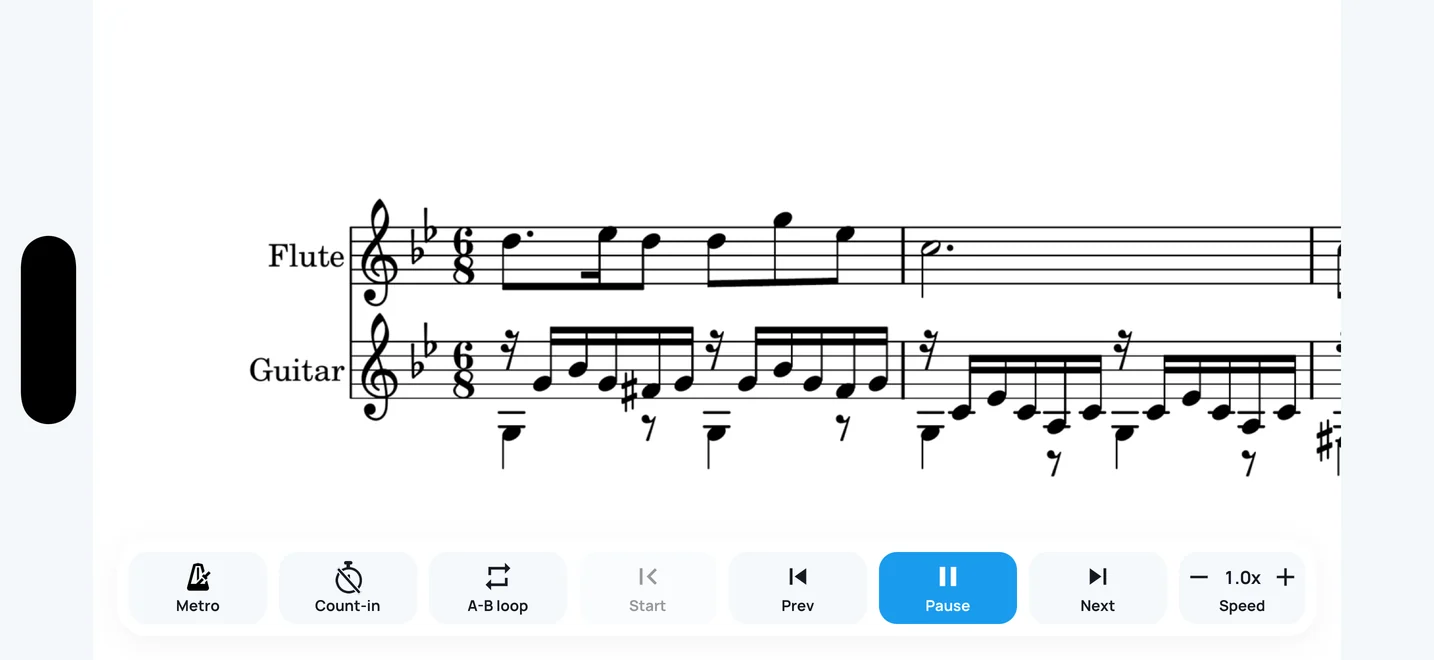
Hands free
Move through the score without tapping every bar
Compare timed measure advance with page scrolling, pedals and audio-following systems.
Explore timed advanceSet BPM and beats for predictable measure timingImport, playback, and optional corrections
“Play” first, then correct only what needs attention.